We made some more quality-of-life improvements for you. Small stuff that makes mymind a little bit more intuitive and enjoyable to use.
Automatic note titles
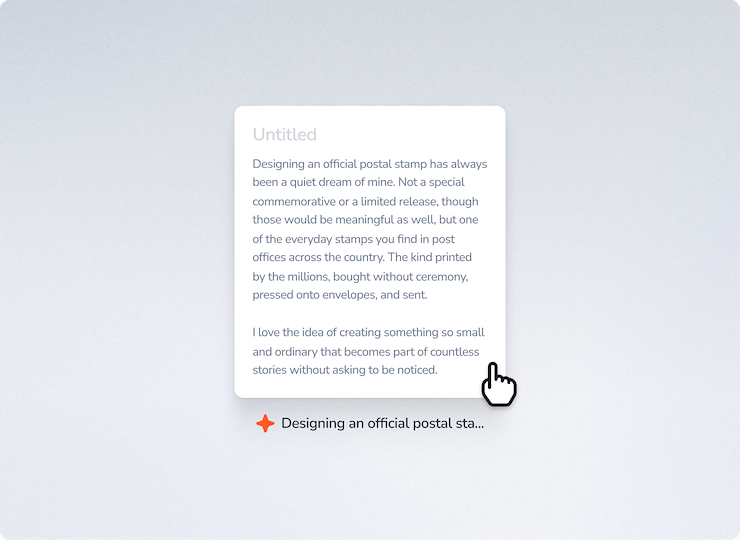
✦ A highly requested one: If you set an H1 headline inside a new untitled note, the headline is now automatically applied as the card title.
✦ If you DON'T use an H1 or give it a title, then the first line of text is used as a temporary title for indexing.
✦ If you want a shorter, more precise headline (which is often better for bidirectional linking), you can just overwrite the automatic title.
Drag & drop onto macos toolbar icon
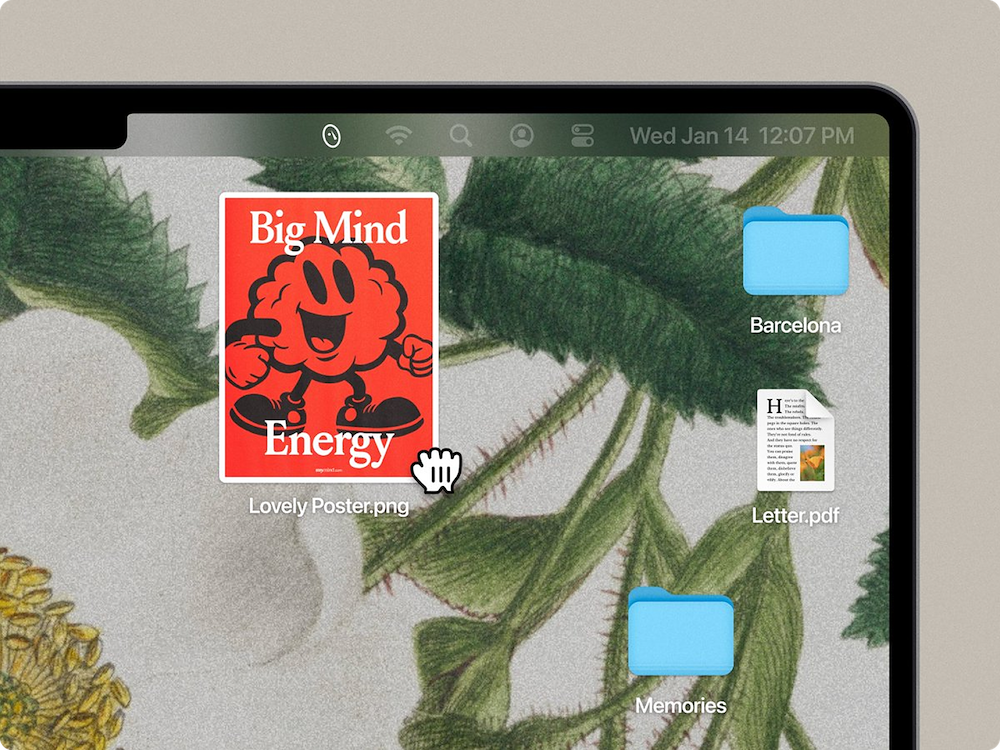
✦ With the latest MacOS app update, you can drag and drop onto the icon in the toolbar to upload it to your mind.
✦ Works beautifully for important screenshots, allowing you to keep using your standard native screenshot shortcuts.
✦ Or upload via the mymind icon in your dock
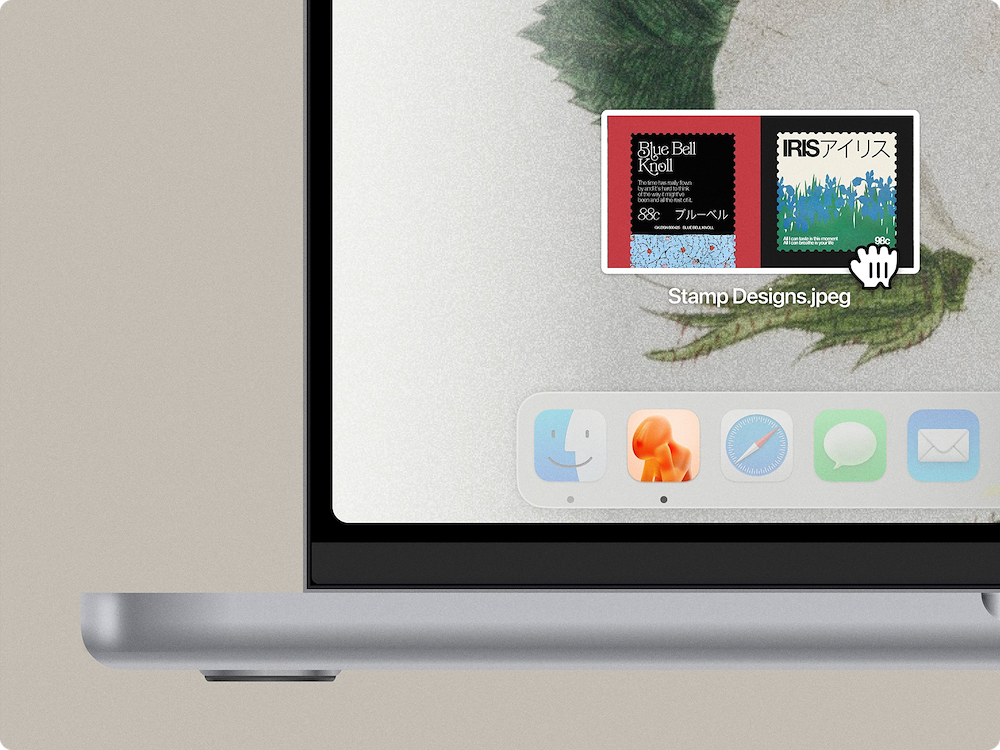
✦ Keep the mymind macos app in your dock, and you can also drop an image or screenshot straight onto the icon to save it.
Copy card URLs
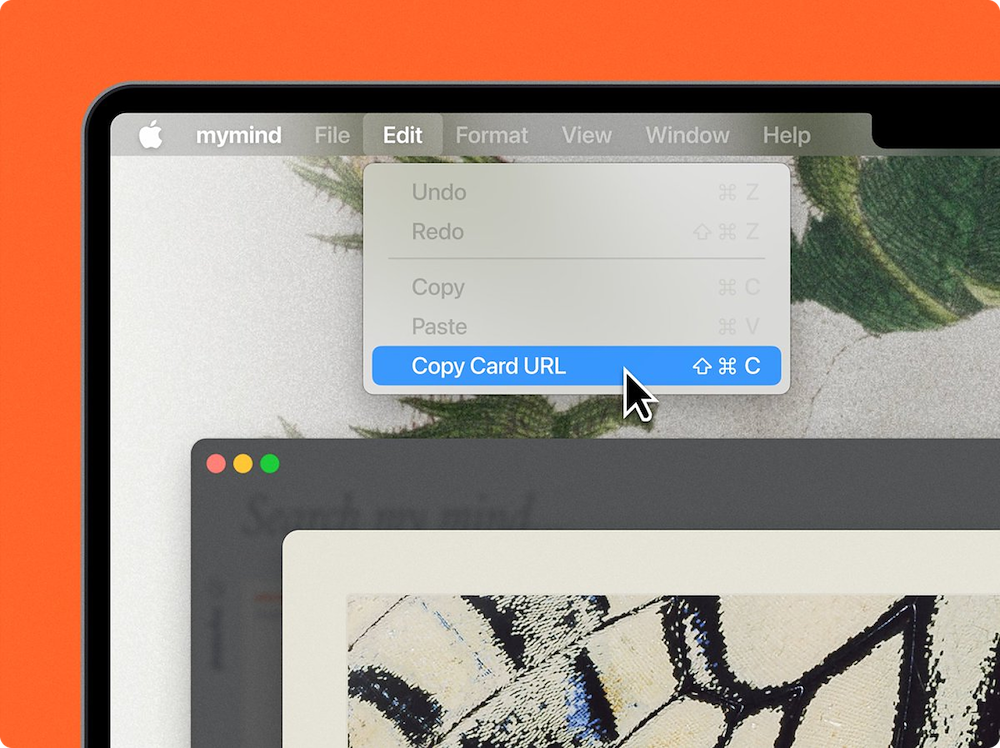
✦ Another simple but useful one. You can now copy the card URL so you can use it in other personal apps for private linking purposes.
Replacing images for products
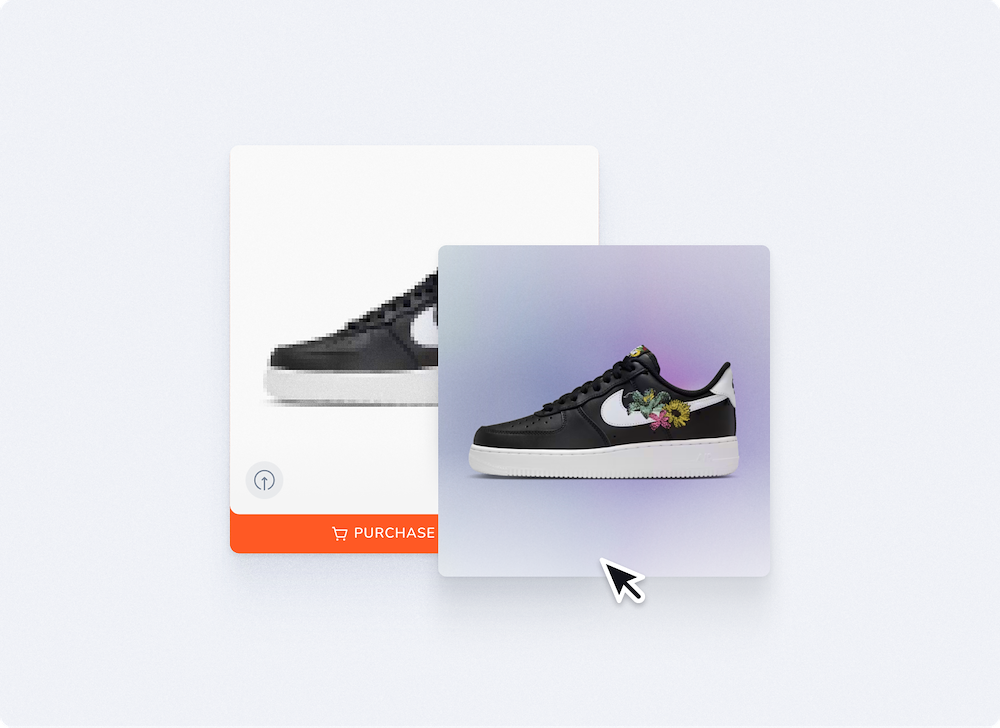
✦ In case you missed it, you can now REPLACE images for product cards.
Your mind automatically pulls the best product image when saving it, but if you don't like the image it grabbed, you can replace it. Just drag and drop an image on top of the old one.
There's more in the works! Feel free to reply if you have questions or requests for us, and as always a real human will answer you.